
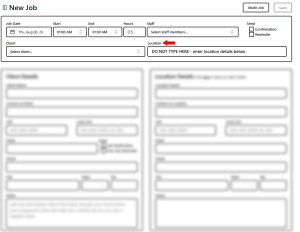
 Do not attempt to add Job Location here in the two-row header. The system will not allow that.
But, after you enter Client Details, you will have an option to auto-populate this with one click.
See the screen below.
Perhaps the Location for this job is also Client’s address.
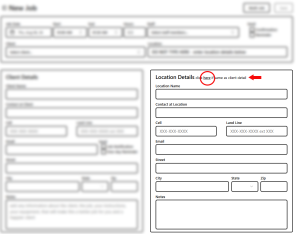
- If you click “here” (red circle), Client Details will be populated into Location Details.
- If necessary, edit the Location Contact name and/or phone number.
- If the Location is some place other than the Client, enter the details here
- The data you enter in #3 will be summarized and auto-populated into the Location field in #2.
- that Location summary will also appear on your Job List (Dashboard)
- If you have selected the “Send” options in the two-row header, all details needed by Staff, included Location are summarized in the text messsages.